Understand printer usage
Choose a date range and group readings by day, week or month. Usage reports help you review changes in page counts over time.
Check toner levels, page counters and printer alerts in one place. PrintWatch Collector keeps your local printer fleet within view.
Explore PrintWatchMonitor locally. Connect to your team’s cloud when you need it.
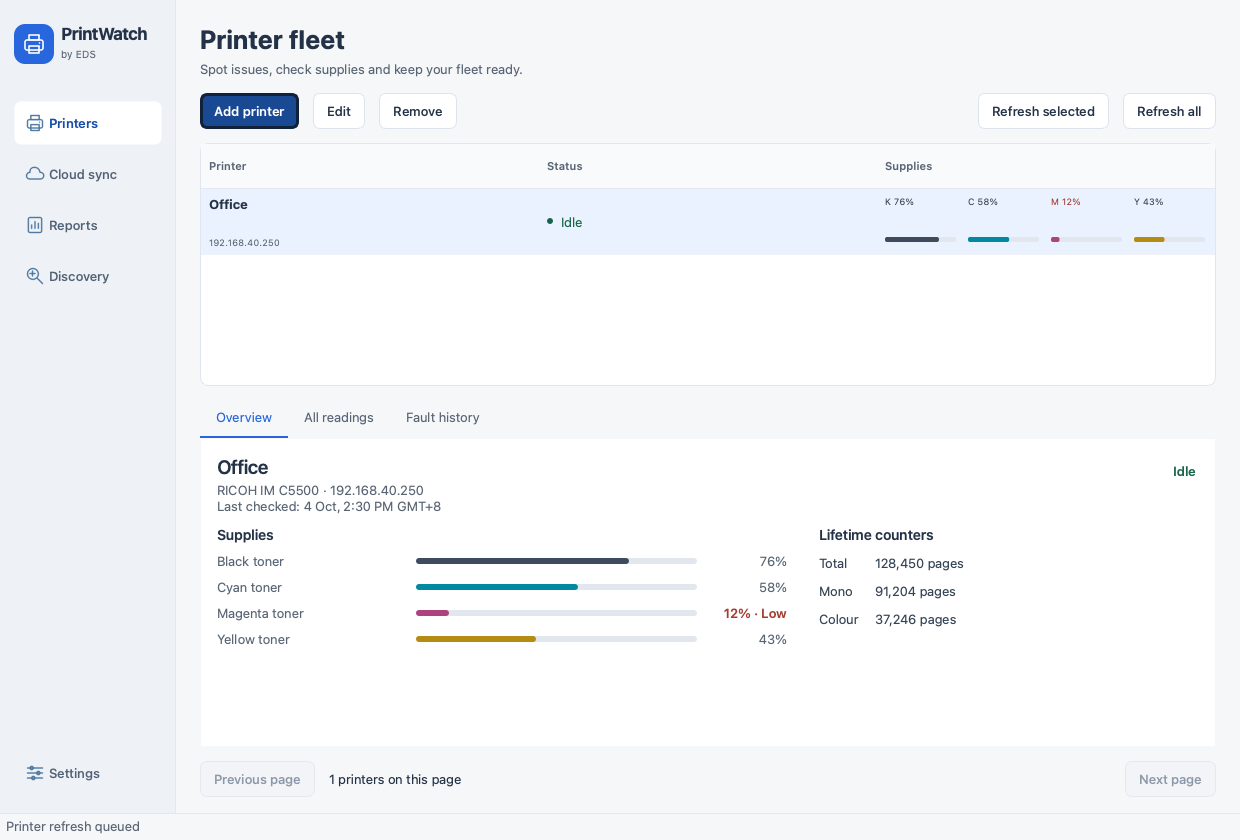
From a quick status check to a closer look at one printer, the collector keeps useful readings together.
Product screenshot · example readings
See the reported status and remaining supplies for your configured printers. Select a printer to open its details, or refresh the readings when you need an update.
A computer connected to your printers’ local network does the checking.
Low toner, printer faults and connection problems can need attention. Set your toner warning level and review fault history to see when an issue appeared and when it cleared.
Desktop notifications depend on your computer’s notification settings. Available readings vary by printer model.
See monitoring settings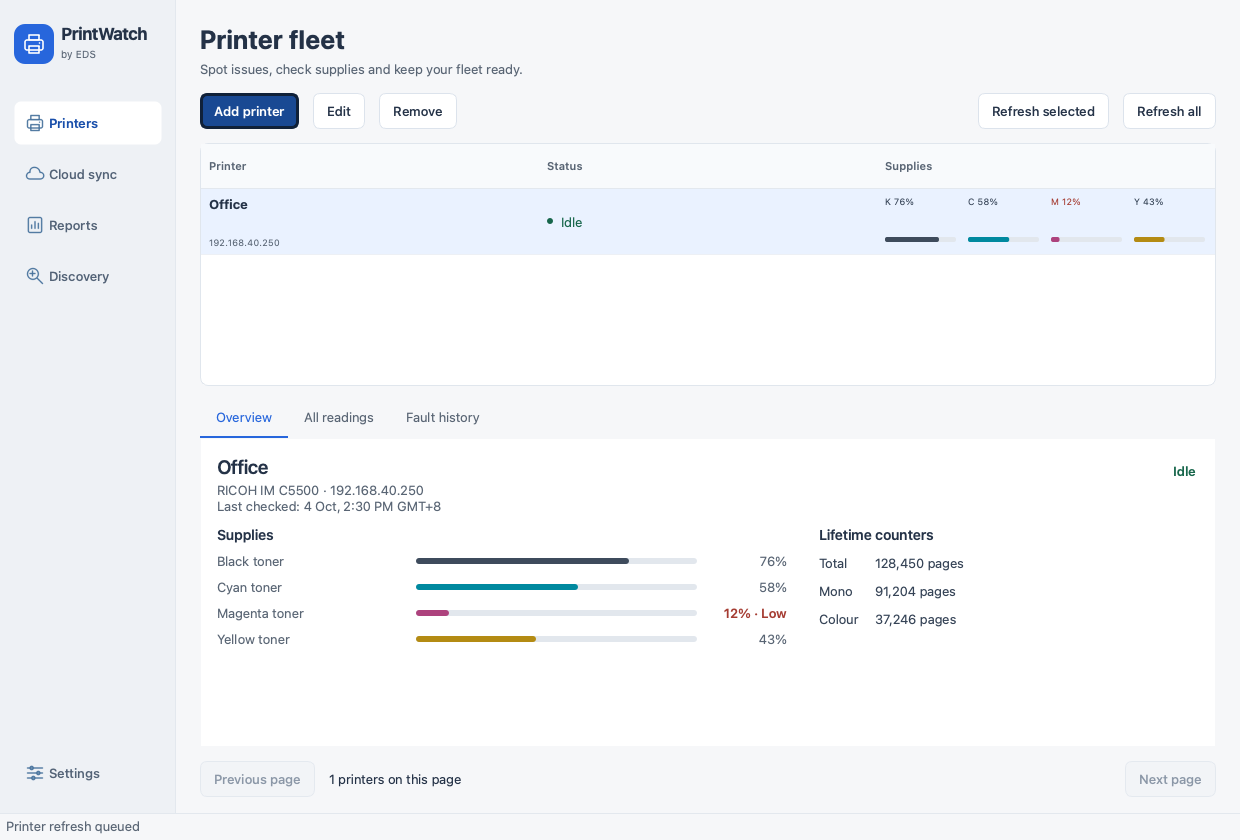
Choose a date range and group readings by day, week or month. Usage reports help you review changes in page counts over time.
Save usage, the printer list, counter reports or fault history as CSV files for Excel and sharing with your team.
Save a configuration backup after adding printers or changing settings. Review the backup before importing it, and enter printer access details again.
Configuration backups save setup, not historical readings. Export records separately to keep history.
The collector stays close to your printers. Choose local use or connect it to the cloud server supplied by your team.
Complete a one-time lifetime activation, then monitor supported printers on your local network without needing internet access for local checks.
Enter your assigned server URL, username and password in the collector. Authorized users connect to their own client cloud server.
Your team provides the server address, such as client.printwatch.cloud.
Open the dashboard. Check your supplies. Keep your printer records close.
Take a closer look